Free sounds for your beats
Drum kits, loops, MIDI, vocal presets and plugins. Preview everything right on the site.
New: Plaseon on top of your DAWEverything on the site is free right now
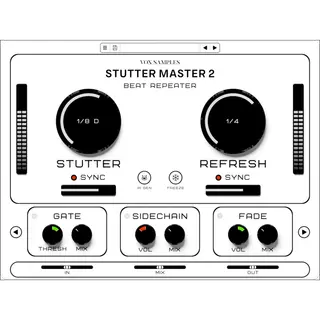
Stutter Master 2 Beat RepeaterModulation
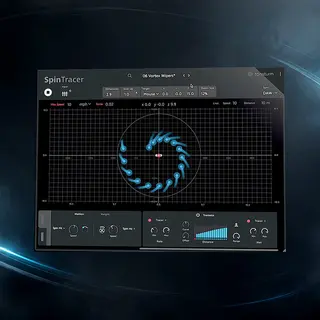
SpinTracerModulation
SpectralBalance2EQ
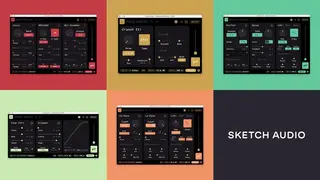
Sketch Audio BundleBundle
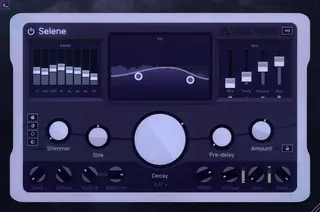
SeleneReverb
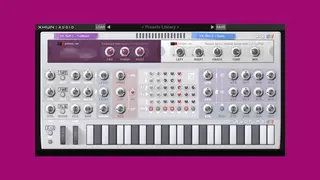
RawPrimeSynth
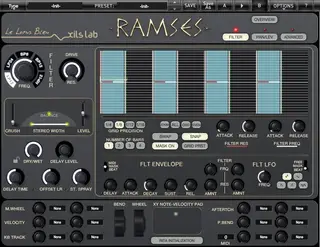
RAMSESModulation
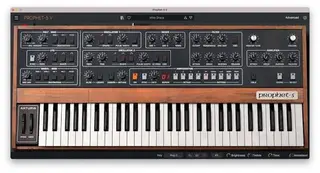
Prophet 5Synth
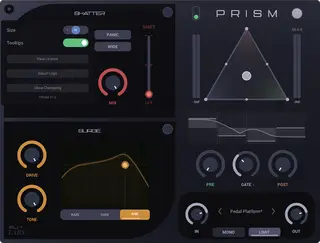
PrismAmp
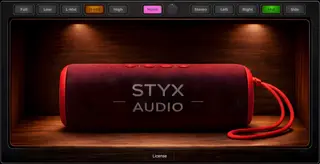
Mono Speaker CheckUtility
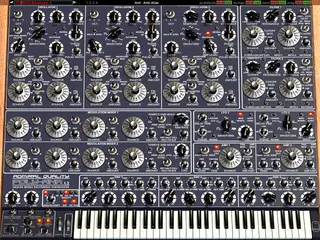
Poly-AnaSynth
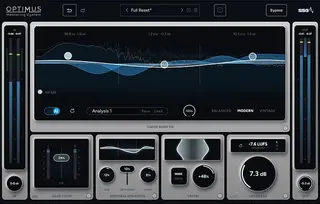
OptimusLimiter
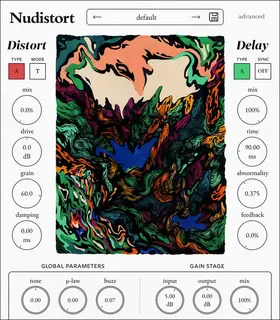
NudistortDistortion
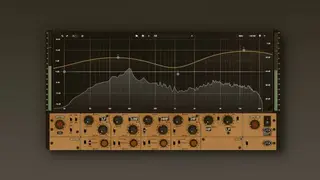
MPEQ-1EQ

Prodstark — Stash Loop KitDrill

CassyB x Bloodground — MVP Chronic KitPhonk

SKYXWLINE — Winter Trouble KitPhonk

Roland Jones x SOUDIERE — Game Is Tight KitPhonk

Producergrind — Essence: Soul CollectionSoul

m3nacebeats — Paris Sample PackDrill

PXRTIZXN XENTEYE — Cowbell PackBrazilian Phonk

Brazilian One Shot PacksBrazilian Phonk

Shonci — Brazilian Phonk Drum KitBrazilian Phonk

SAOL — Ascending Drum Kit Vol. 2Brazilian Funk

IRAD Beats — Brazilian Funk Drum Kit 2025Brazilian Funk

Decliped Samples — Brazilian Phonk FusionBrazilian Phonk

OXBRIDGE — Ultimate Kit Vol. 3Trap

DJ TIMAUSIK — Angelcore Drum KitPlugg













What’s inside
Everything’s free. Pick a section
Download what you like and drop it straight into your project.
88,371SoundsFrom 232 free drum kits: one-shots, loops, 808s and percussion. Preview any sound right in the feed.106PresetsSynth banks, sampler libraries and vocal chains.8,648MIDIDrum, bass and melody parts. Drag one into your project and tweak the notes.142PluginsReverbs, compressors, synths and hardware emulations.5DAWThe software people make music in, with install instructions.


Desktop app
Plaseon on top of your DAW
The overlay keeps a narrow Plaseon strip on top of FL Studio and other apps. Find a sound, drag it into your project, keep working.
- See-through, folds into icons or a single badge
- Loops play at your project’s tempo
- Show and hide it with your own shortcut
More than a library
A game built into the platform
Beat Battle and the daily challenge: make a beat from a shared sound kit and find out whose is best.
Beat battlesEveryone gets the same kit and the same time to make a beat.
Go to battles
Everyone gets the same kit and the same time to make a beat.
Then the beats play anonymously and players rate them.
Go to battlesFree account
Log in and download everything for free
You can listen without an account. Downloads, battles and tools unlock once you log in.
- Download everything freeWhole kits or single sounds, plus presets, MIDI, plugins and DAWs.
- Beat Battle and daily challengeEveryone makes a beat from the same kit against the clock, then votes. The daily challenge has a new task every day.
- Tool resultsTurn a melody into MIDI without logging in, then download the .mid with an account.
- Favorites and your profileSave sounds and kits, publish your work and build a following.
Log in for free
No passwords or subscriptions: log in with an account you already have.